THE BINGE4K COLLECTION
Your library.
Your screen.
Your way.
A dedicated home for your movies, series and live TV. Choose a player for your device and bring your own playlists.
Direct downloads · Current releases · One account portal
APPS & DOWNLOADS
A player for your screen.
Choose your app, then your device. Downloads and versions come directly from our release catalogue.
Loading releases…
Release information is temporarily unavailable.
Portal downloadsOnly published releases are shown. Features and availability vary by app and device.
A CLOSER LOOK
See it before you install it.
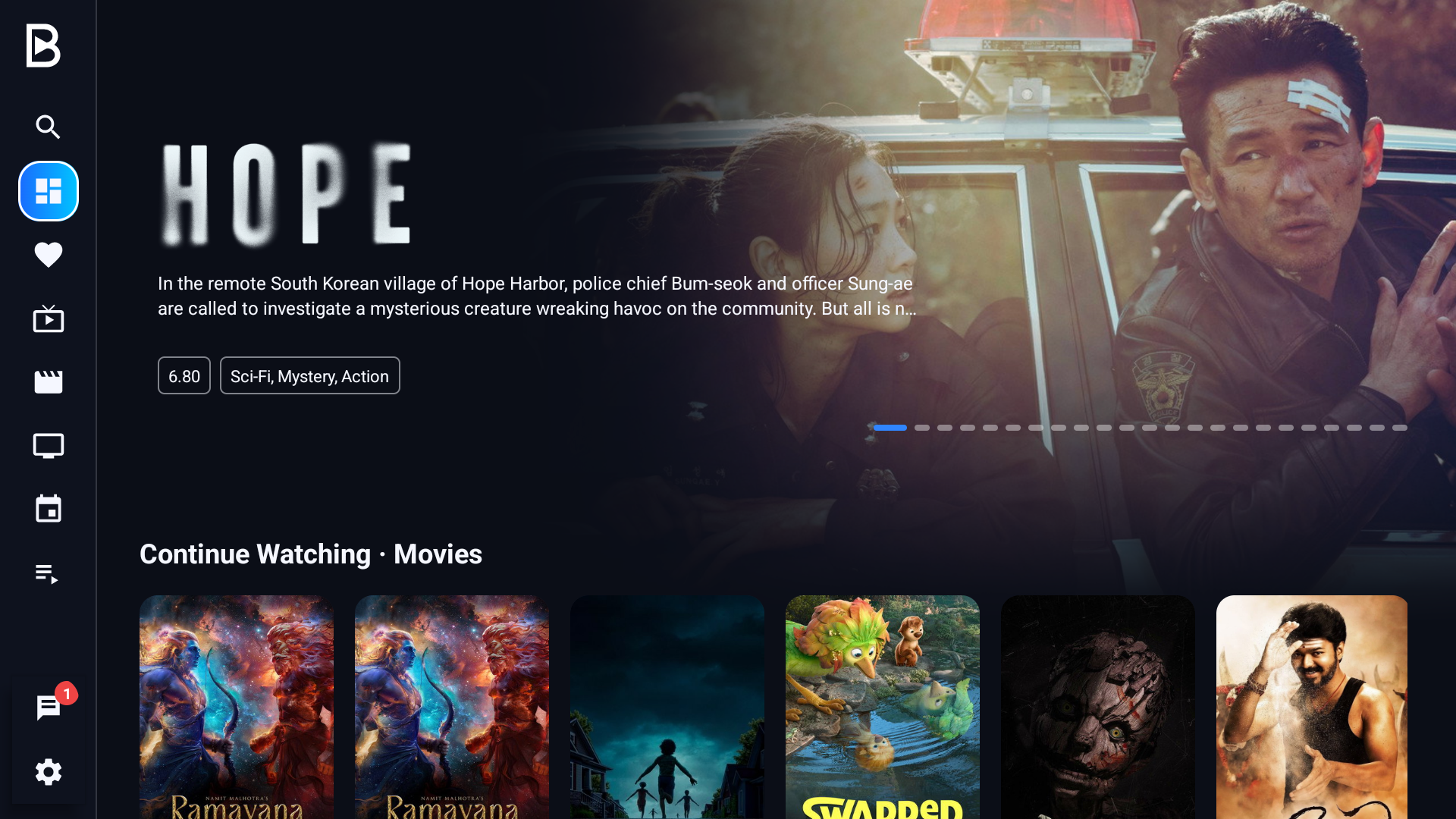
Explore Binge4K Player. Real screenshots captured from the TV app. The content shown is for interface reference only and is not included with the app.
Choose your player
Download an available release for your device from the catalogue above.
Connect your playlists
Add a supported source, or manage playlists assigned to your device through the portal.
Make yourself at home
Browse your library, save favourites and pick up your viewing where you left off.
GOOD TO KNOW
A few useful answers.
Does Binge4K include channels or movies?
No. Binge4K is player software. You supply your own authorised playlists and media. A player licence does not include a content subscription.
Which version should I download?
Select your app and device in the download card. For an existing installation, choose the same app to update it.
How do I check my trial or licence?
Your app and account portal show the validity assigned to your device. Trial duration and activation options are managed through the portal.
Can I manage playlists on the website?
Yes. Sign in to the account portal and open your linked device to manage playlists, subject to your account’s access.
Do all apps look the same?
No. Player, Classic and VMate have their own interfaces. The screenshots above belong to Binge4K Player.
READY WHEN YOU ARE